
Let's do it together!
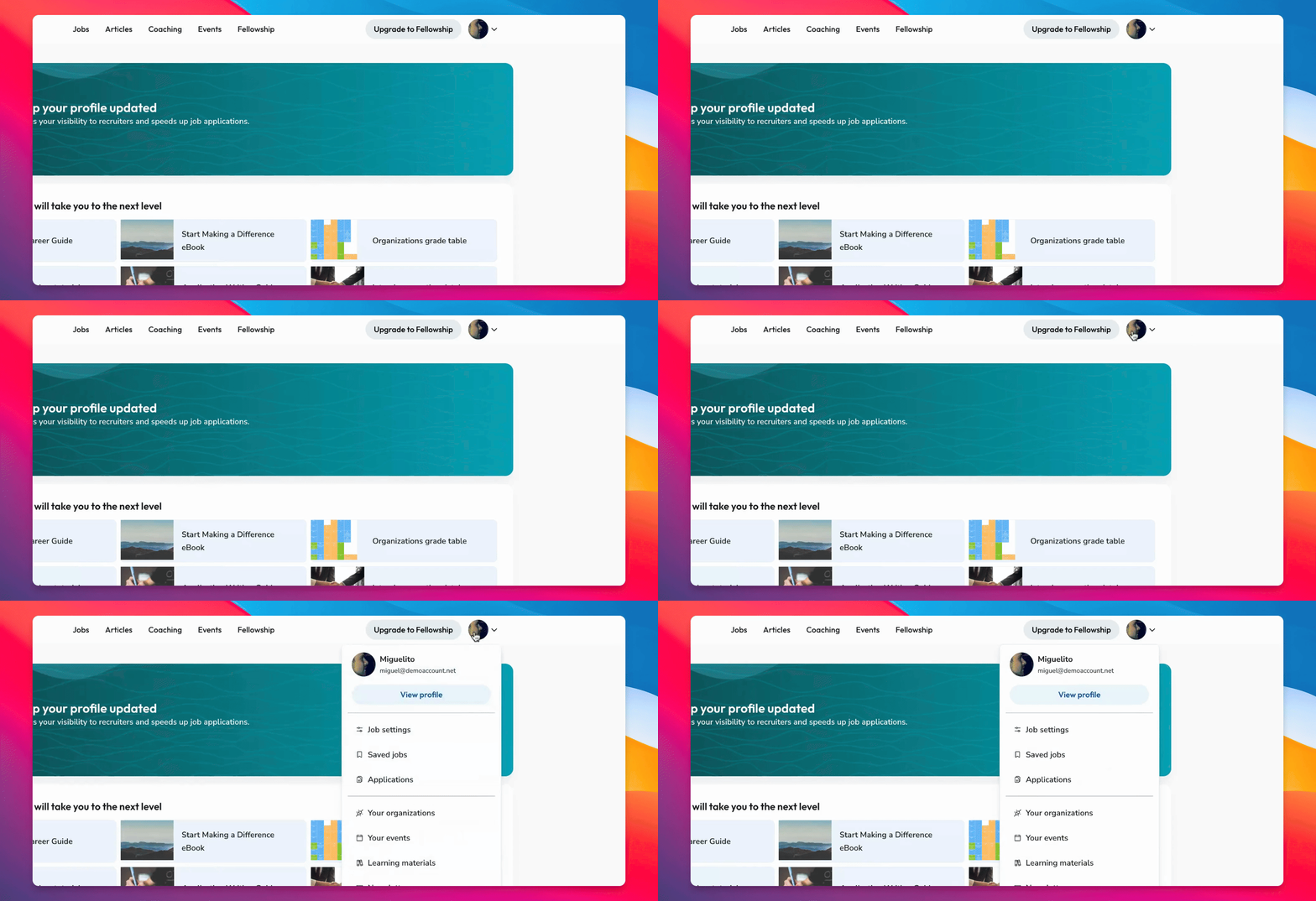
Step 1: Access Profile
Log in and click Edit Profile at the top of your page or select View Profile from the dropdown menu.
Step 2: Explore Information
Once in your profile, review the various blocks like personal information, experiences, education, languages, and skills.
Step 3: Edit Information
Click the Edit button on any block to update your information easily.
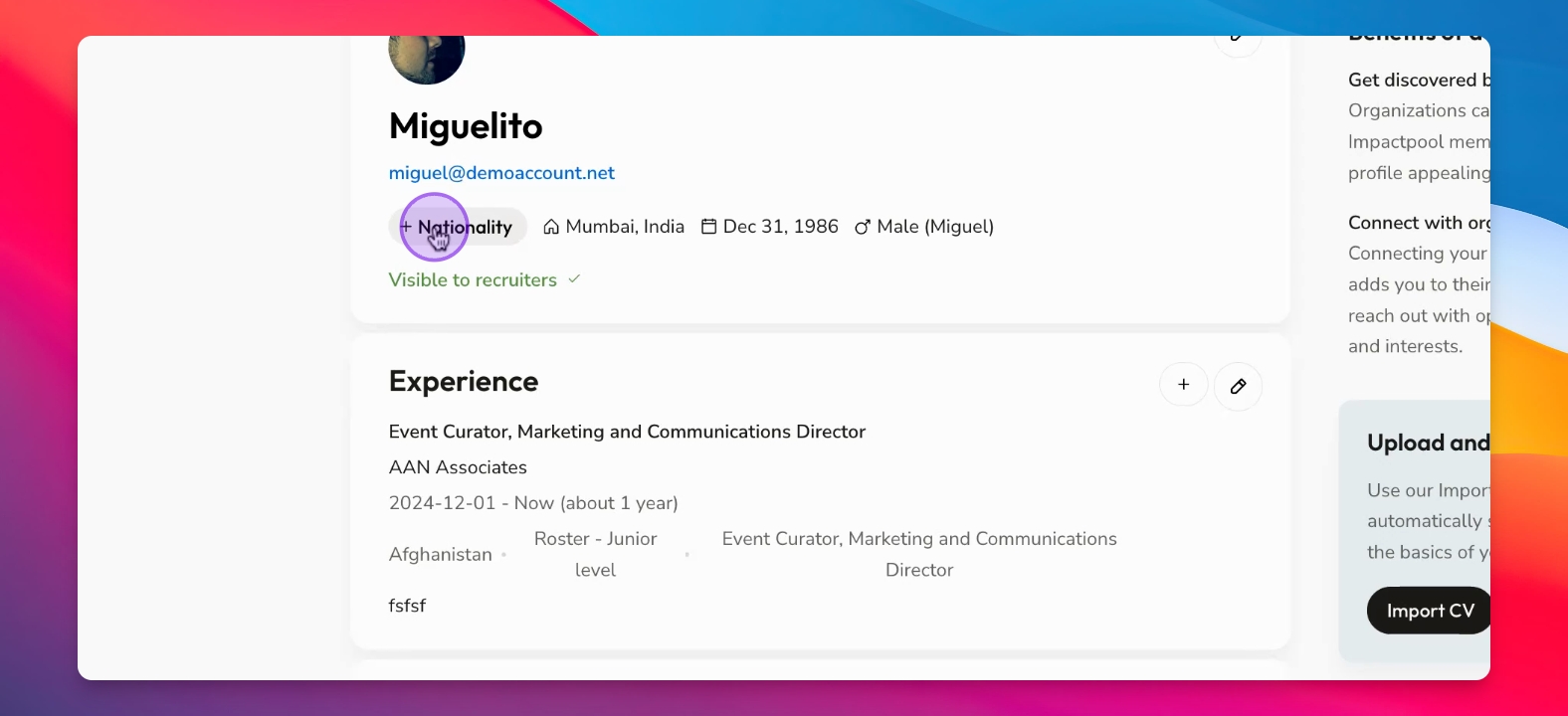
Step 4: Add Nationality
To add nationality, click plus nationality or Edit at the top of the block.
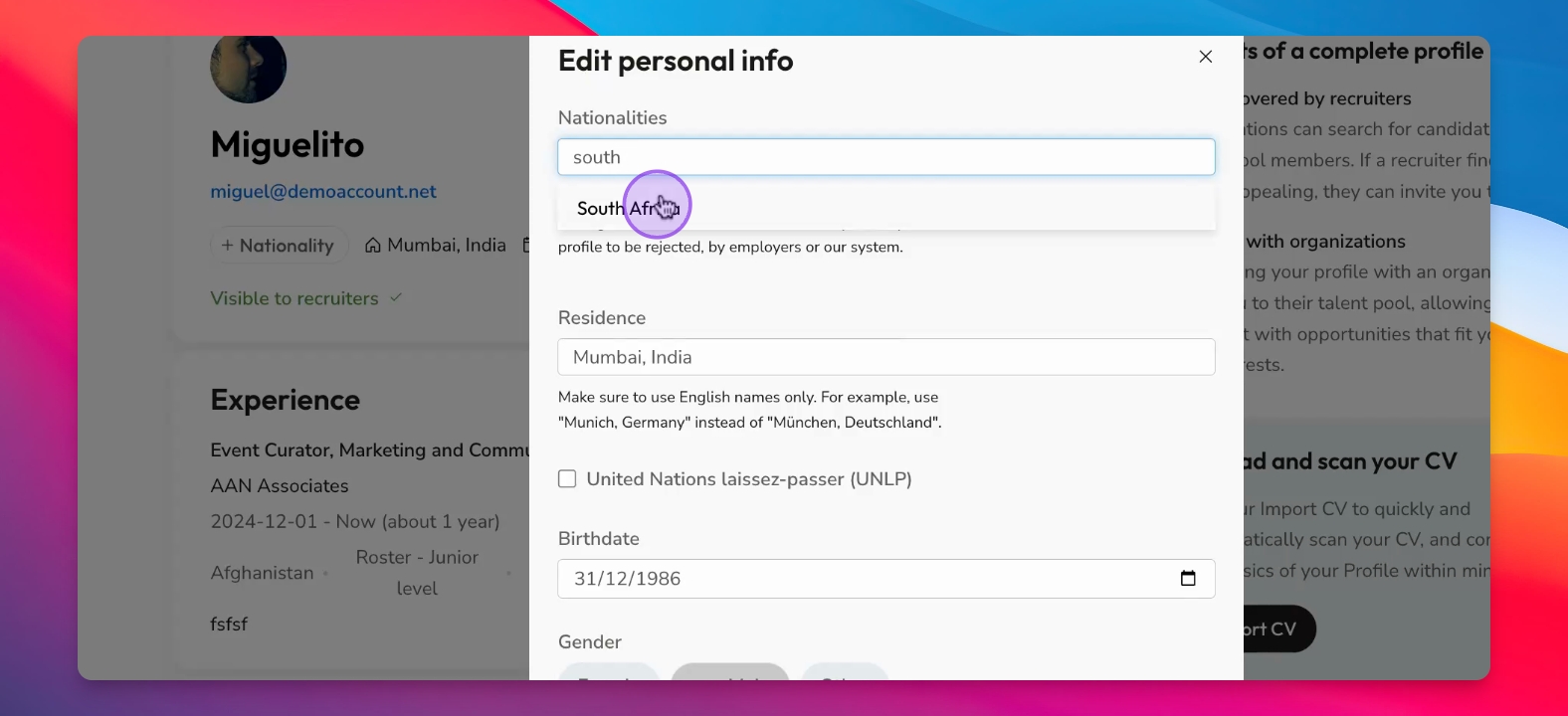
Step 5: Save Changes
Enter your nationality and click Save to update your profile.
Step 6: Confirm Update
Your nationality will now be listed on your profile.
Step 7: Additional Edits
You can continue to make basic updates by clicking Edit on other sections of your profile.