
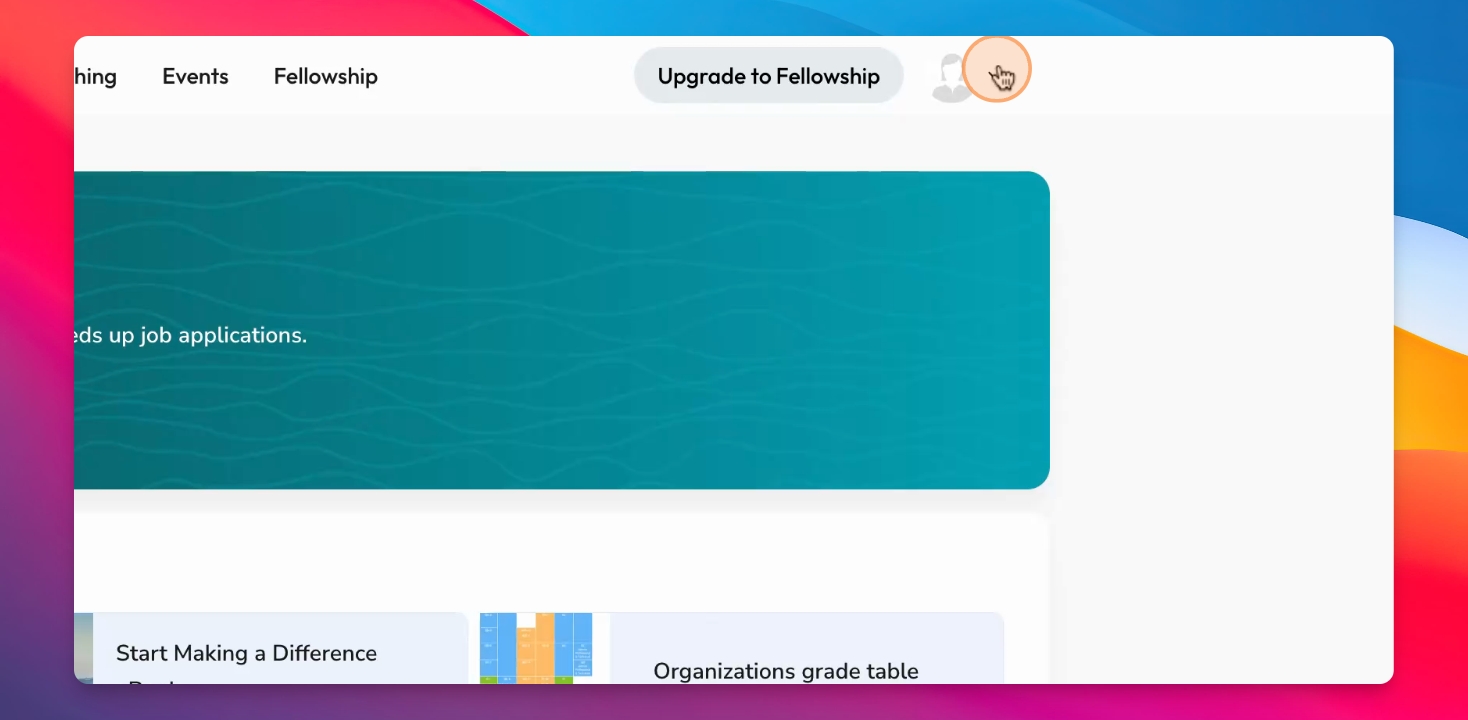
To manage your email subscriptions, navigate to the top right of your profile. Click on the dropdown menu labeled Newsletter. Here, you can manage your newsletter subscriptions, including the weekly general newsletter and job alerts.
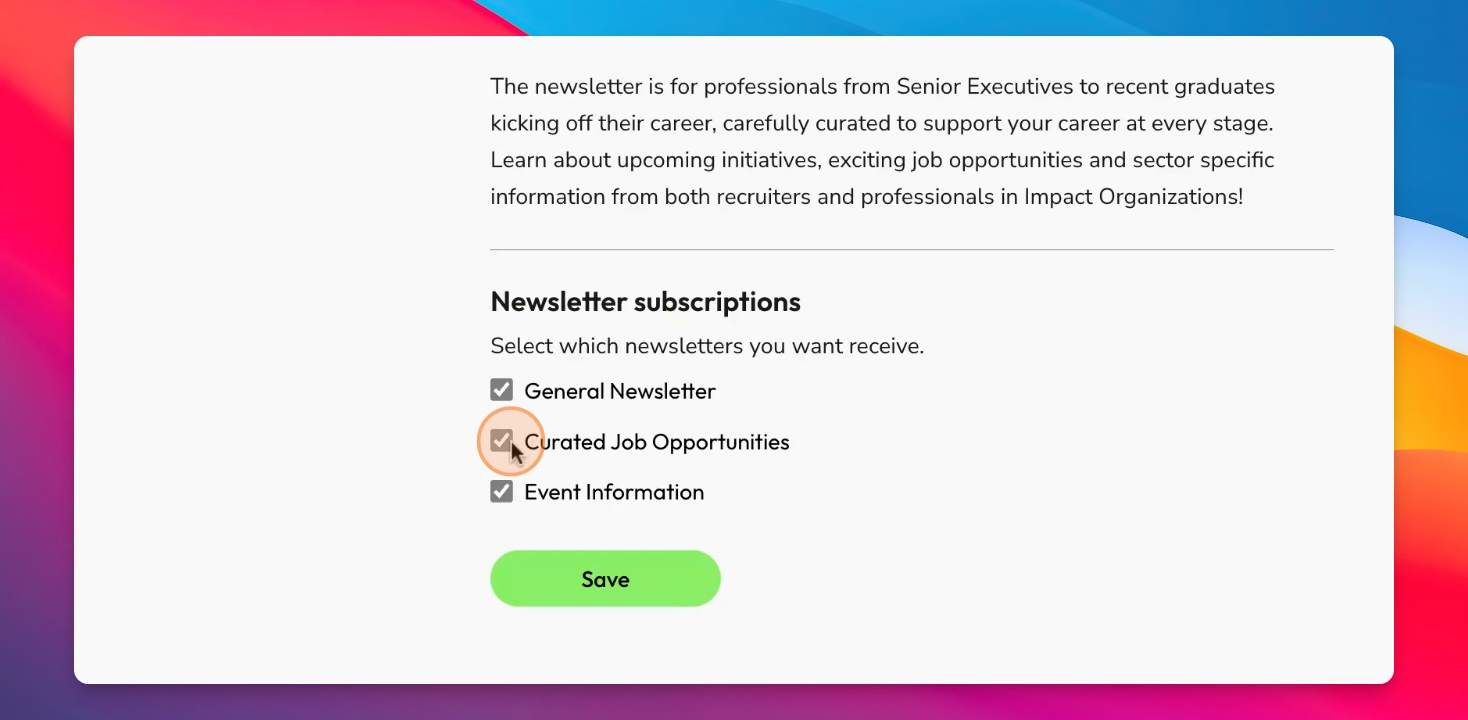
Step 1: Deselect Job Alerts
If you wish to stop receiving job alerts, simply deselect curated job opportunities. This will ensure that you no longer receive those alerts.
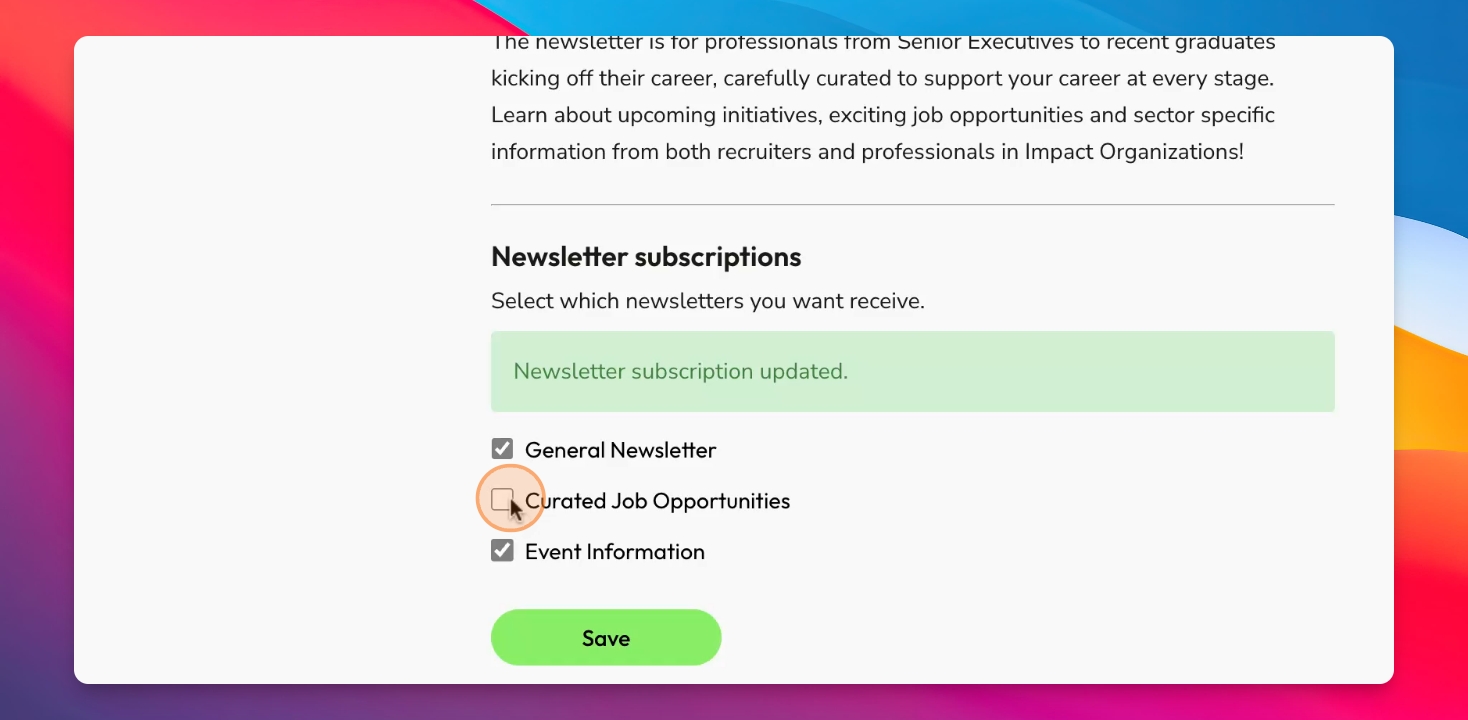
Step 2: Manage Other Subscriptions
The same process applies for the general newsletter and event information. Deselect them if you do not wish to receive those notifications.
Step 3: Resubscribe
To resubscribe, log back into your account, navigate to the Newsletter dropdown, and click Save after making your selections.
In the next video, further adjustments on your job preferences will be discussed.