

Let's do it together!
Step 1: Use Filters
Utilize filters on the job board to narrow your search by job function, organization type, seniority, and location.
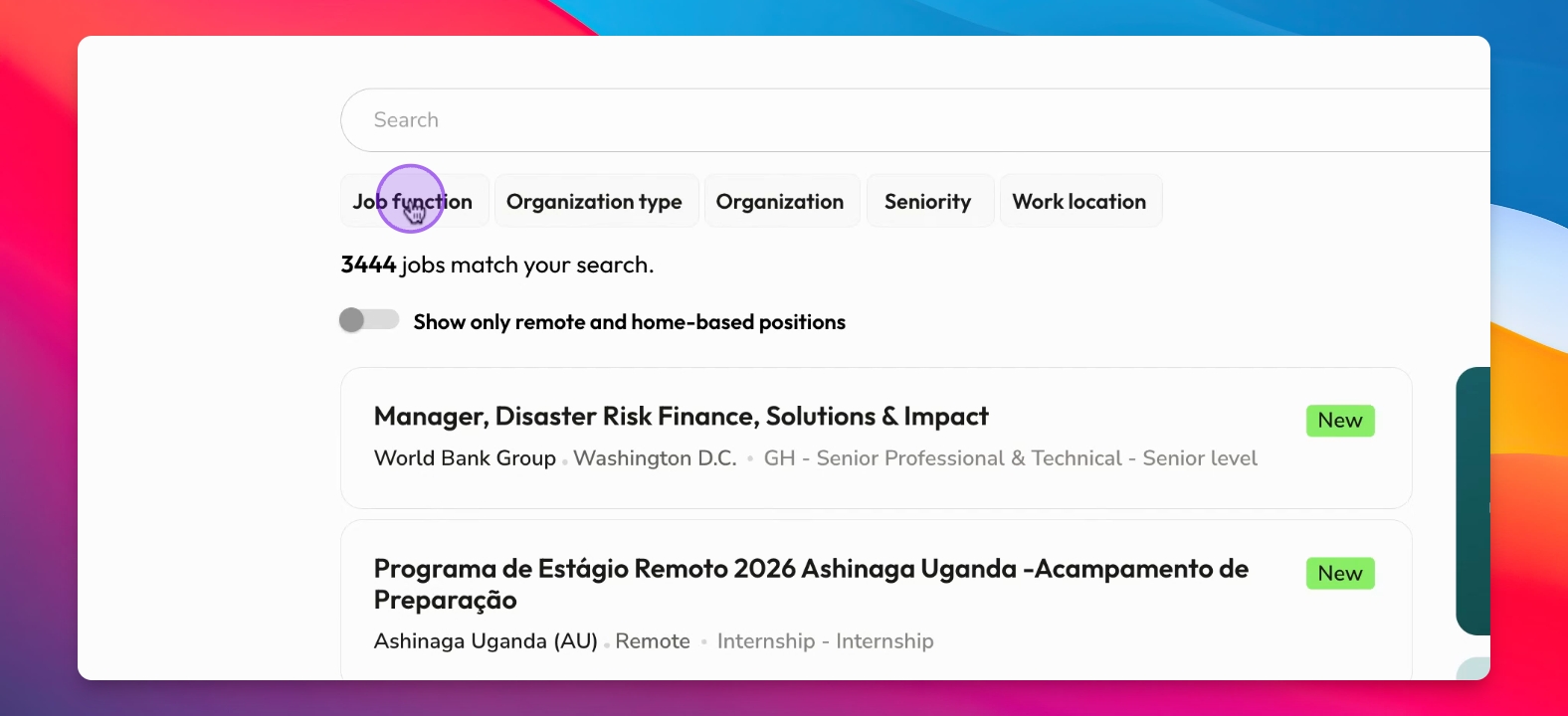
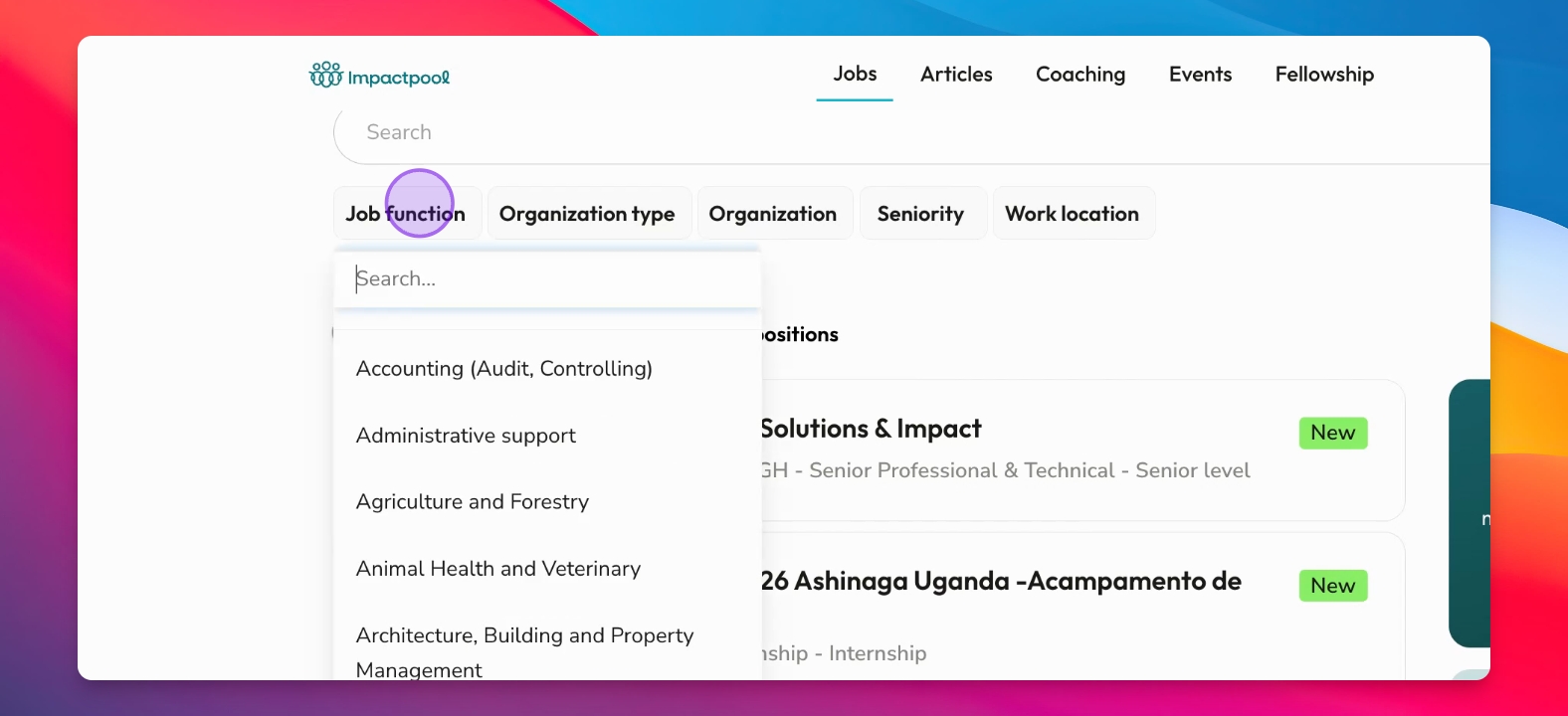
Step 2: Start Search by selecting a filter
Choose the filter; for example, look for accounting roles.
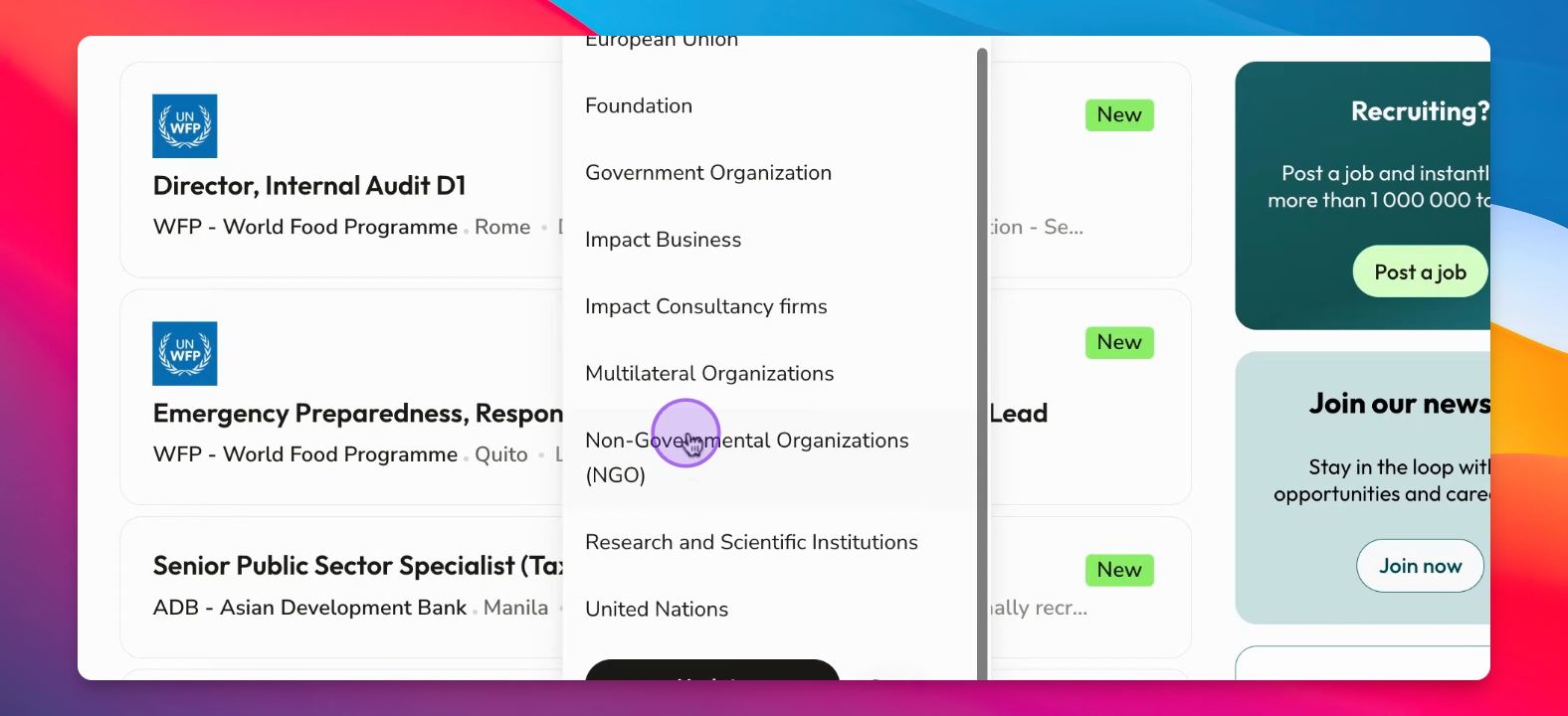
Step 3: Specify Organization
Refine your search to find accounting roles specifically in NGOs or at the United Nations.
Step 4: Choose Seniority Level
Look for accounting roles at the senior or senior executive level.
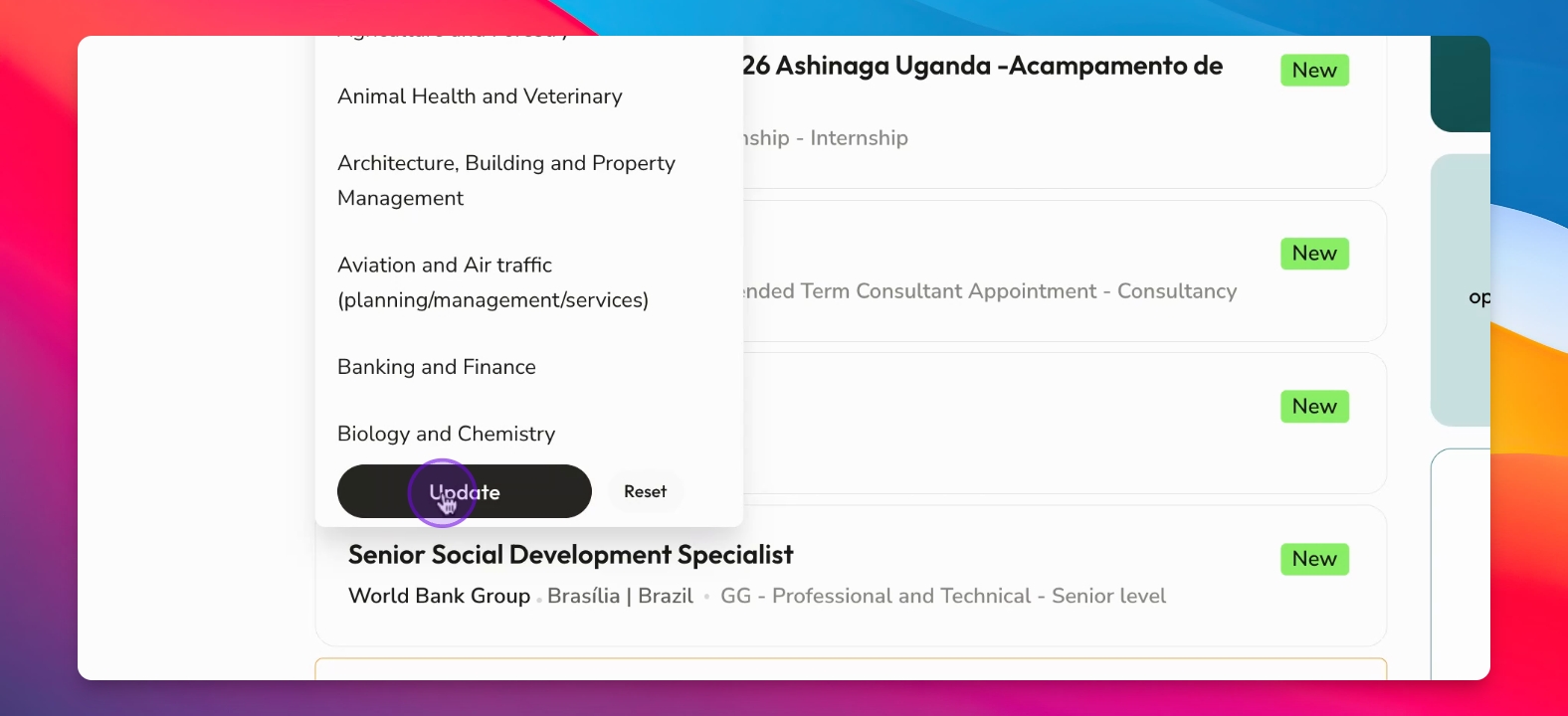
Step 5: Update Search
Click Update to refresh the job listings based on your selected filters.
Step 6: Review Results
Examine the job vacancies found to identify appropriate opportunities that suit your qualifications.