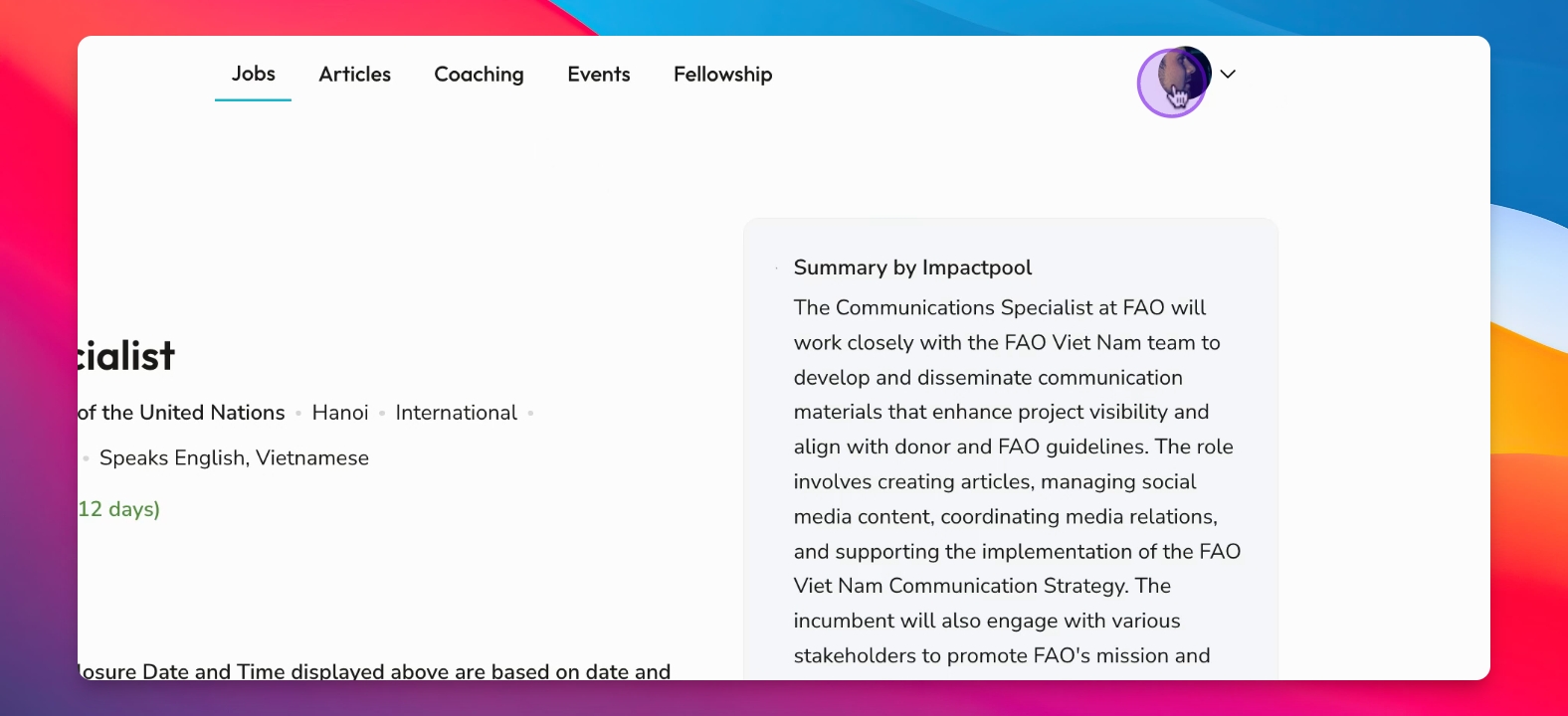

Let's do it together!
Step 1: Find a Job
Navigate through the job listings to find a job you are interested in, such as a senior accounting role.
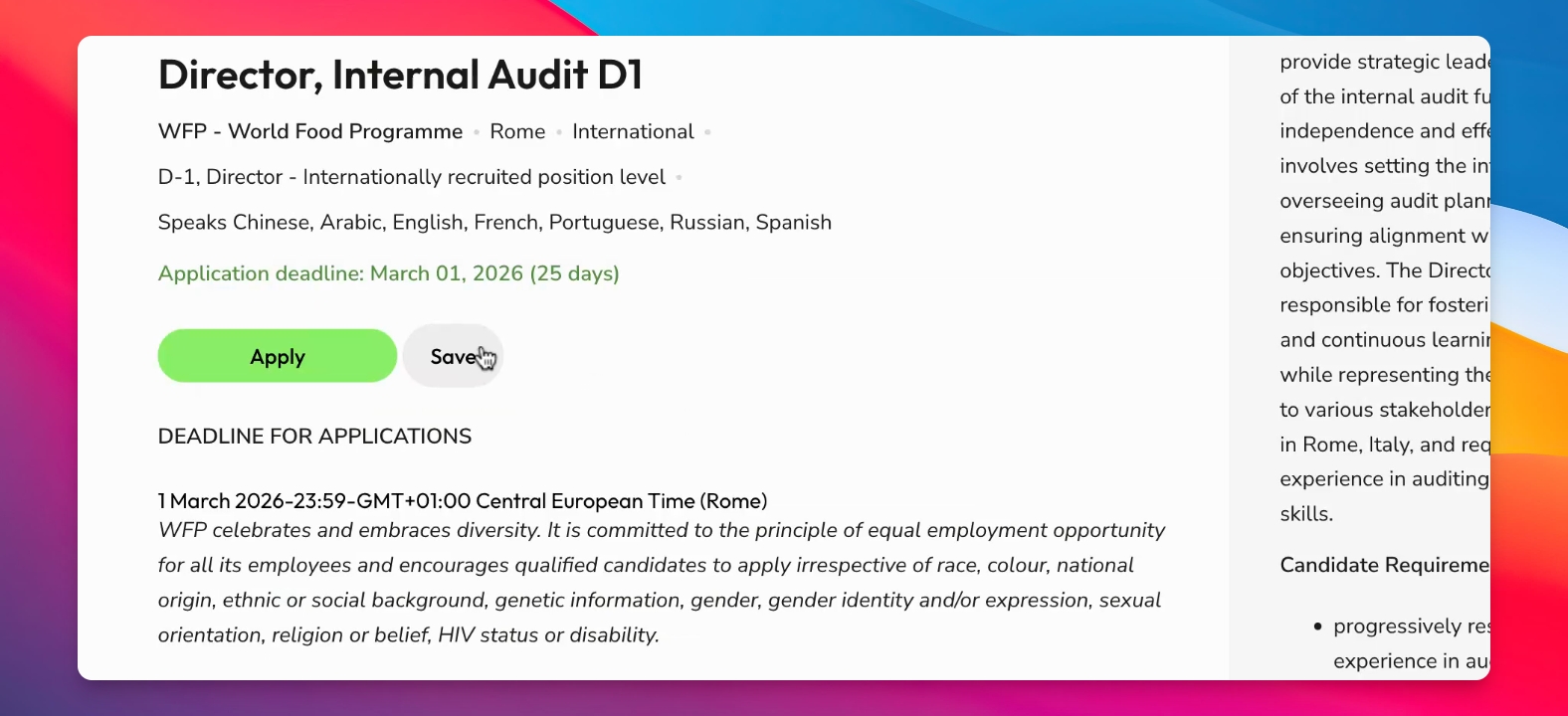
Step 2: Save the Job
Select the job you want to save by clicking on the job andthe the appropriate option to save it.
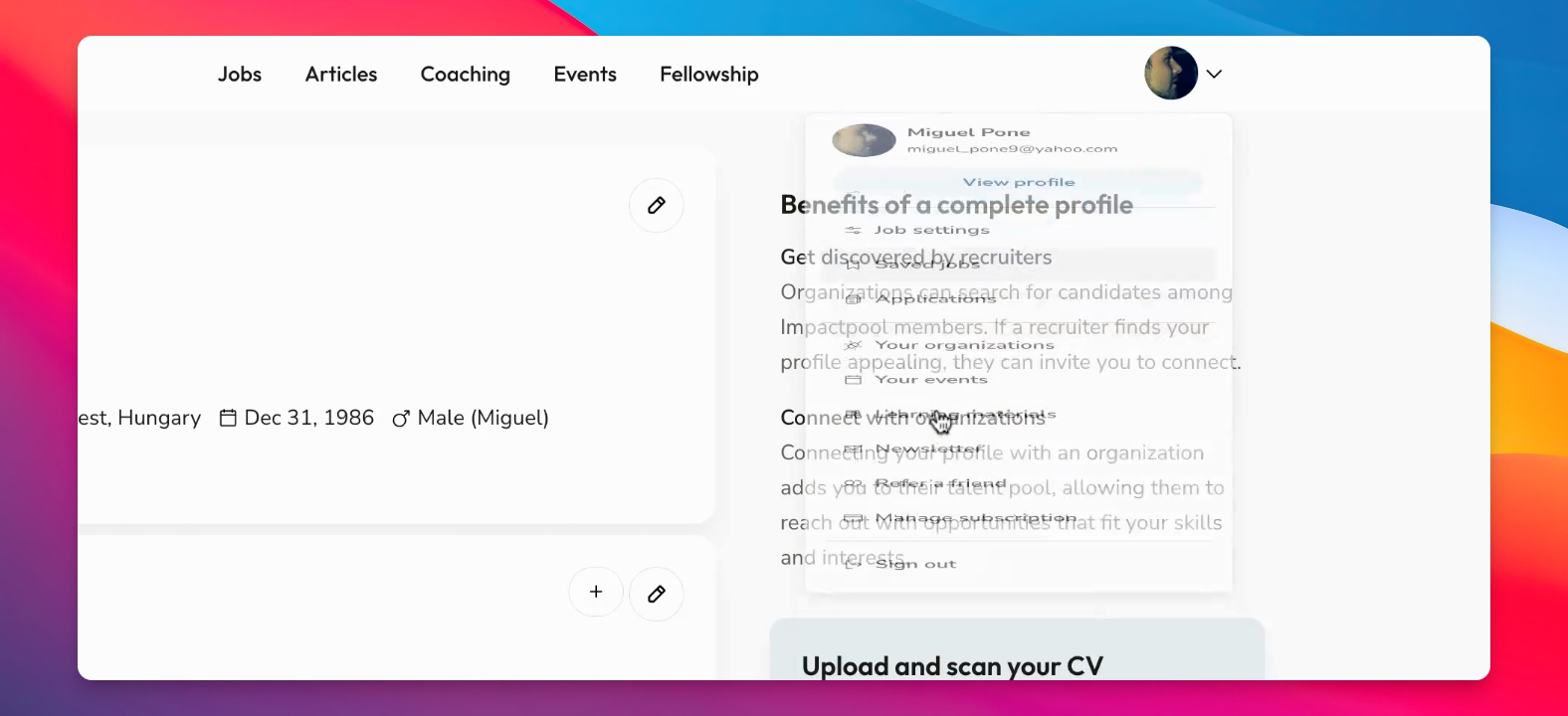
Step 3: View Saved Jobs
Access your profile to view all of your saved jobs. This lets you easily find previously saved listings.
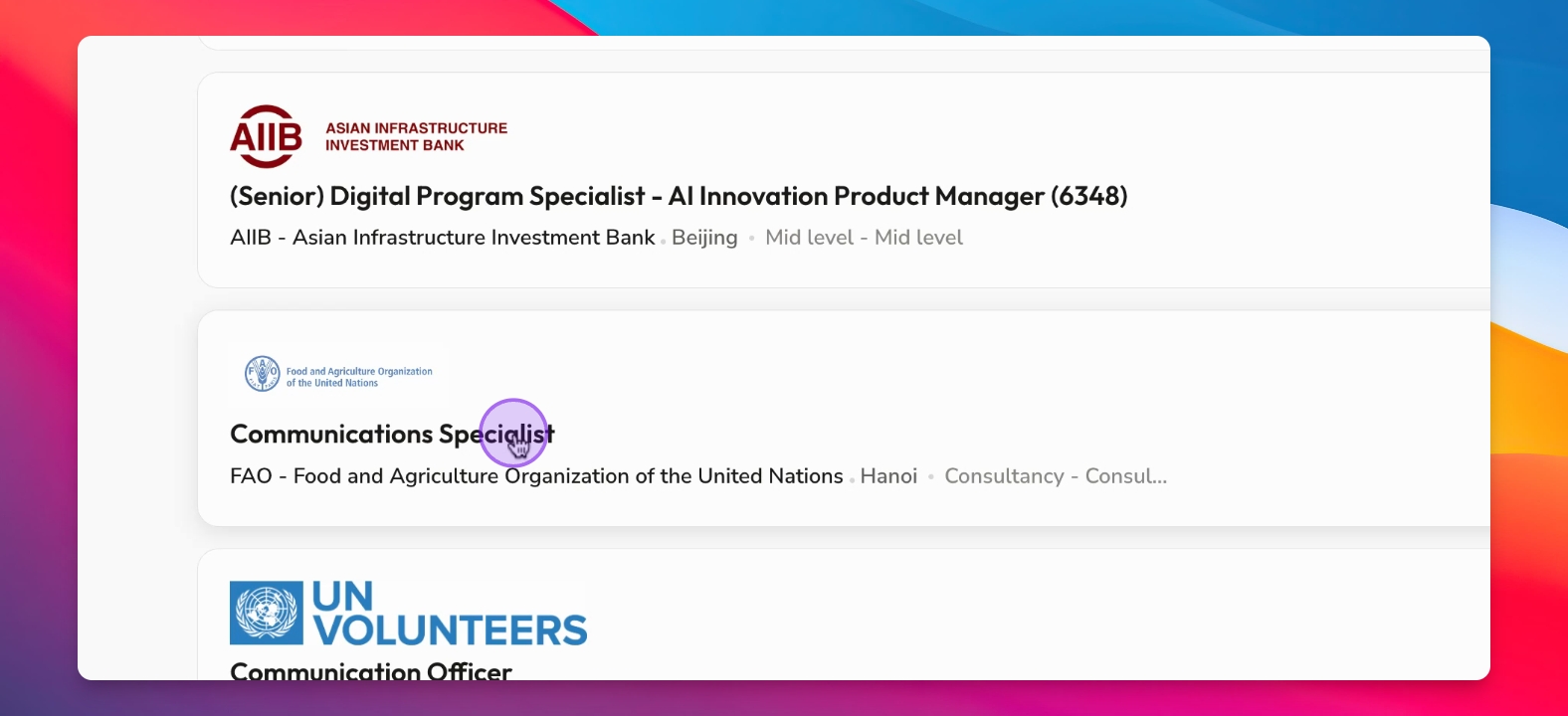
Step 4: Apply/View Later
View your collection of saved jobs in your profile, select a job like the communications role and be redirected to the application page to complete your application. For applications taken inside Impactpool, you will not be redirected, but you will be asked to sign in or sign up.
Step 5: Manage Saved Jobs
Utilize the saved jobs feature to keep your job interests organised, especially if you have many listings.